Symptom
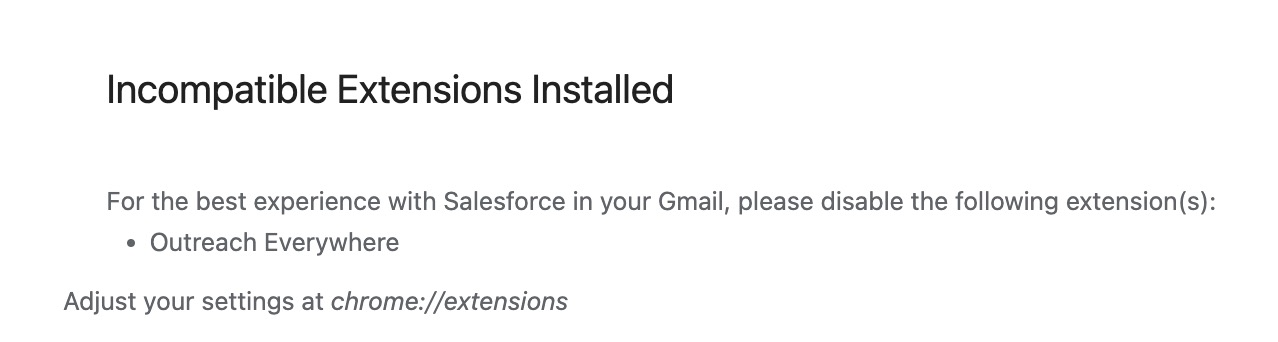
When loading Gmail, an Incompatible Extensions Installed error appears with the following message:
For the best experience with Salesforce in your Gmail, please disable the following extension(s):
- Outreach Everywhere
Adjust your settings at chrome://extensions
Applies To
Salesforce Chrome Extension
- Outreach Everywhere Chrome Extension
- Outreach Users
Resolution
The only resolution is to disable one of the extensions. Emails sent from Gmail using Outreach Everywhere will sync to Salesforce, so disabling the Salesforce extension is recommended. To do so, navigate to chrome://extensions in your browser and uninstall or disable the Salesforce Inbox extension.
Cause
The Salesforce Inbox and Outreach Everywhere extensions utilize the same Gmail features, so both cannot be enabled at the same time. We usually recommend using only Outreach Everywhere because best practice is to complete engagement using Outreach functionality and have that activity sync up to Salesforce from Outreach. If you use Salesforce Inbox, you're bypassing Outreach, which could possibly create duplicate activity in Salesforce and may also prevent activity from being tracked in Outreach properly.
Was this article helpful?
That’s Great!
Thank you for your feedback
Sorry! We couldn't be helpful
Thank you for your feedback
Feedback sent
We appreciate your effort and will try to fix the article