Objective
The purpose of this article is to provide Outreach users and admins with an understanding of the Outreach global navigation menu.
Applies To
- Outreach Users
- Outreach Admins
Overview
The global navigation menu allows the following
- Menu can be expanded into icons and text, or collapsed into icons only to maximize space
- Administration menu takes up less horizontal space so there’s more room to work
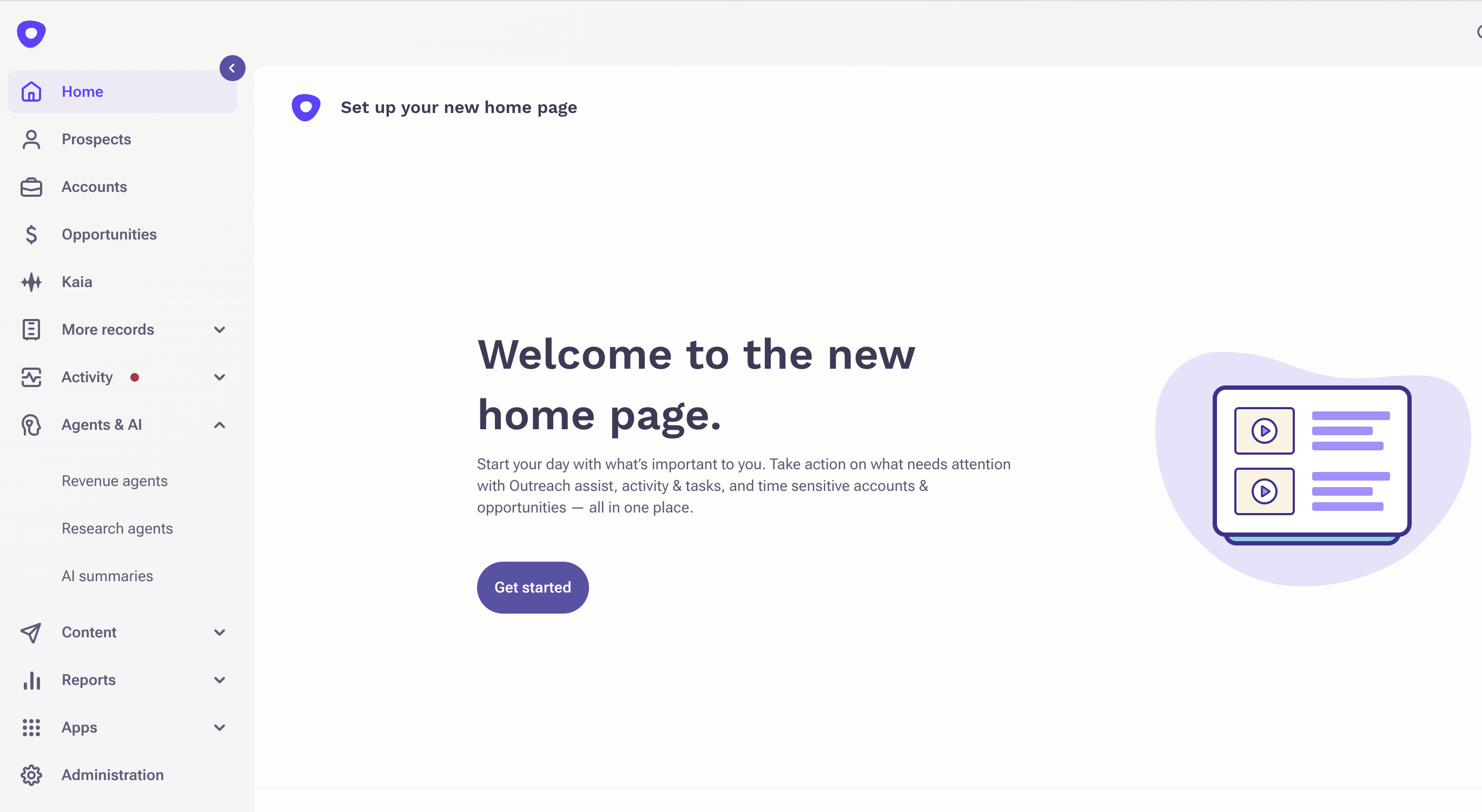
| Category | Pages |
| Forecasting |
|
| Activity |
|
| Agents & AI |
|
| Content |
|
| Reports |
|
| Apps |
|
The following features are only visible if your organization has configured forecasting and you have been granted access:
- Pipeline Summary
- Forecasting
- Forecast Rollup
- Scenario Planner
- Pipeline Movement
The following feature is only visible if your organization is leveraging Outreach Kaia
- Kaia
Was this article helpful?
That’s Great!
Thank you for your feedback
Sorry! We couldn't be helpful
Thank you for your feedback
Feedback sent
We appreciate your effort and will try to fix the article