Purpose:
The purpose of this article is to provide direction to Outreach Admins in providing Admin consent to Office 365.
Admin consent lets an IT administrator in your business grant individuals permission to connect their Office 365 mailbox and/or calendar to Outreach.
Many businesses use admin consent as a security setting to help prevent users from accidentally allowing someone to access their mailbox or other data by putting an admin-gated approval process in front of the login process to third-party applications that allow sign-in using Office 365 credentials.
If your company uses admin consent, your IT administrator will need to add Outreach to the list of services that can access data from your work email and calendar accounts. If admin consent isn’t provided to Outreach, you won’t be able to connect your mailbox or calendar to your Outreach account.
Intended Audience:
- Outreach Admins
Notes:
- Your Office365 administrator must complete the following steps. Individuals without an administrator license will not be able to set up this feature.
How To Provide Admin Consent in Office 365 for Outreach:
- As an Admin, navigate to the Outreach 365 Admin Consent site.
Note: Users may also see this window when trying to connect Outreach to Office 365 services. - Click either the Connect email and calendar - EWS or Connect email and calendar - Graph as applicable.
- Select the applicable account or click the Use Another Account option to add or create a new account.
- Click Next to review and agree to permissions.
Note: To clarify, "This app will get access to specific resources for all Users in the Organization" means any User will be able to connect to the app via OAuth.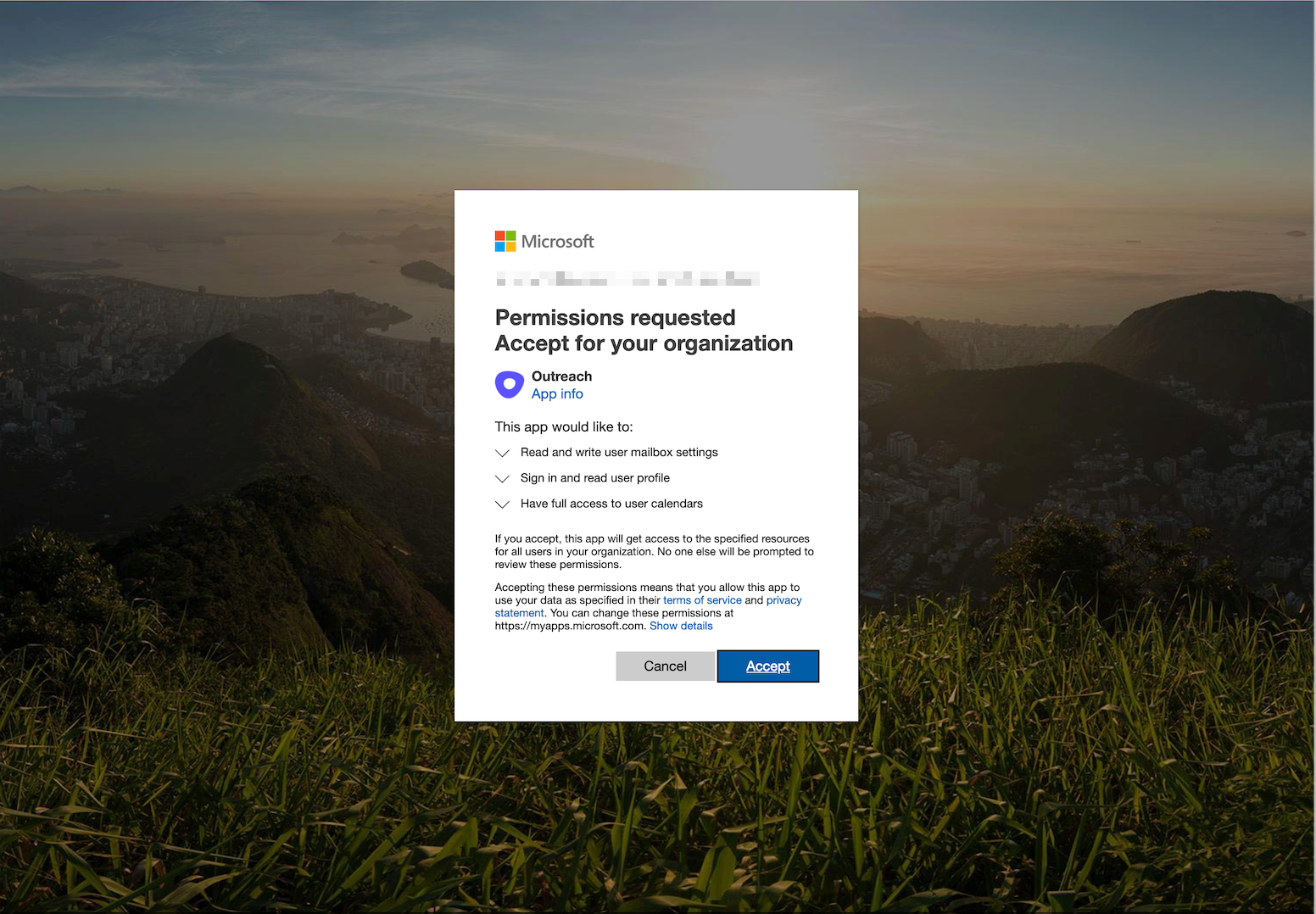
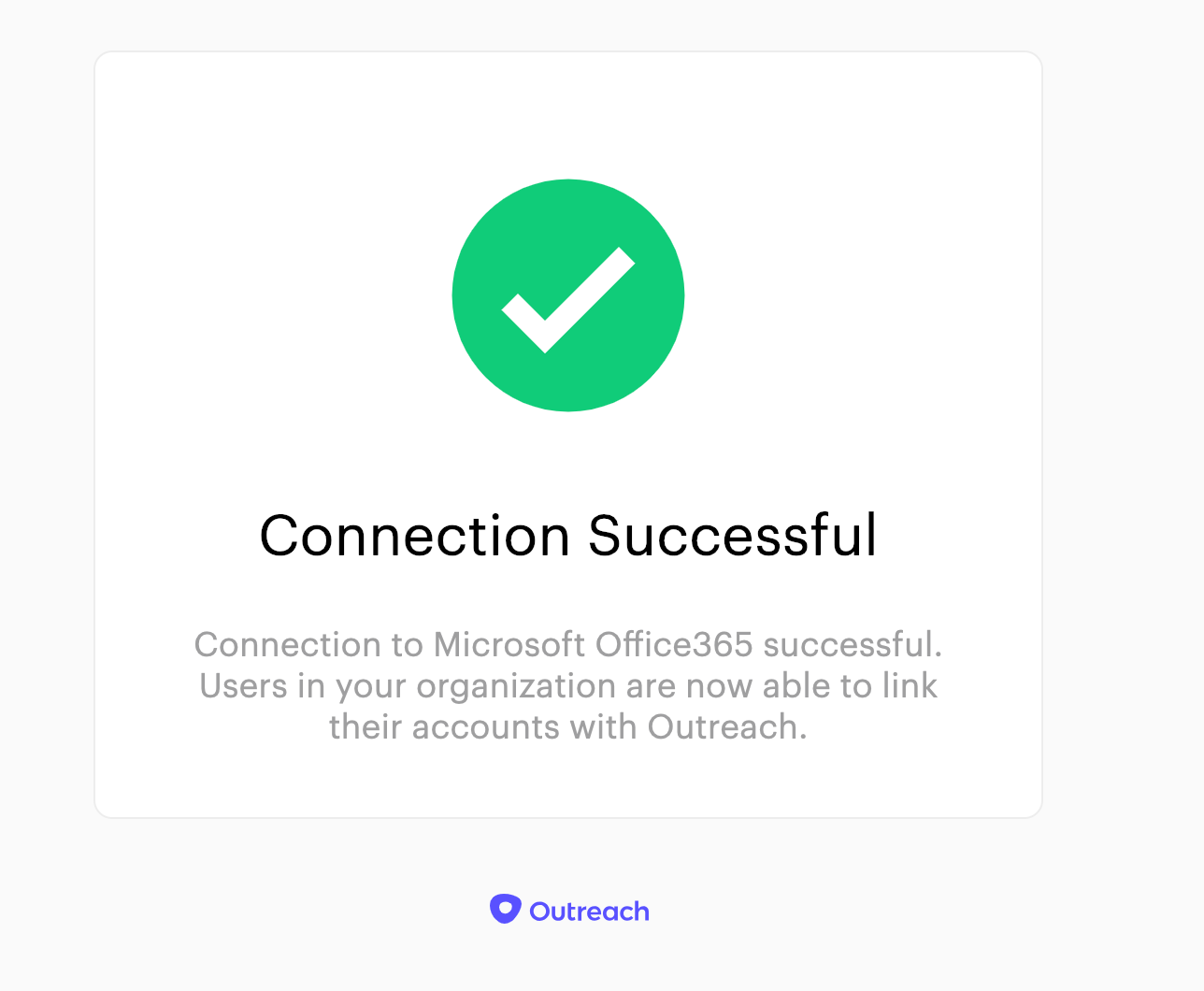
- Click Accept and if the connection is successful you’ll see the following message:
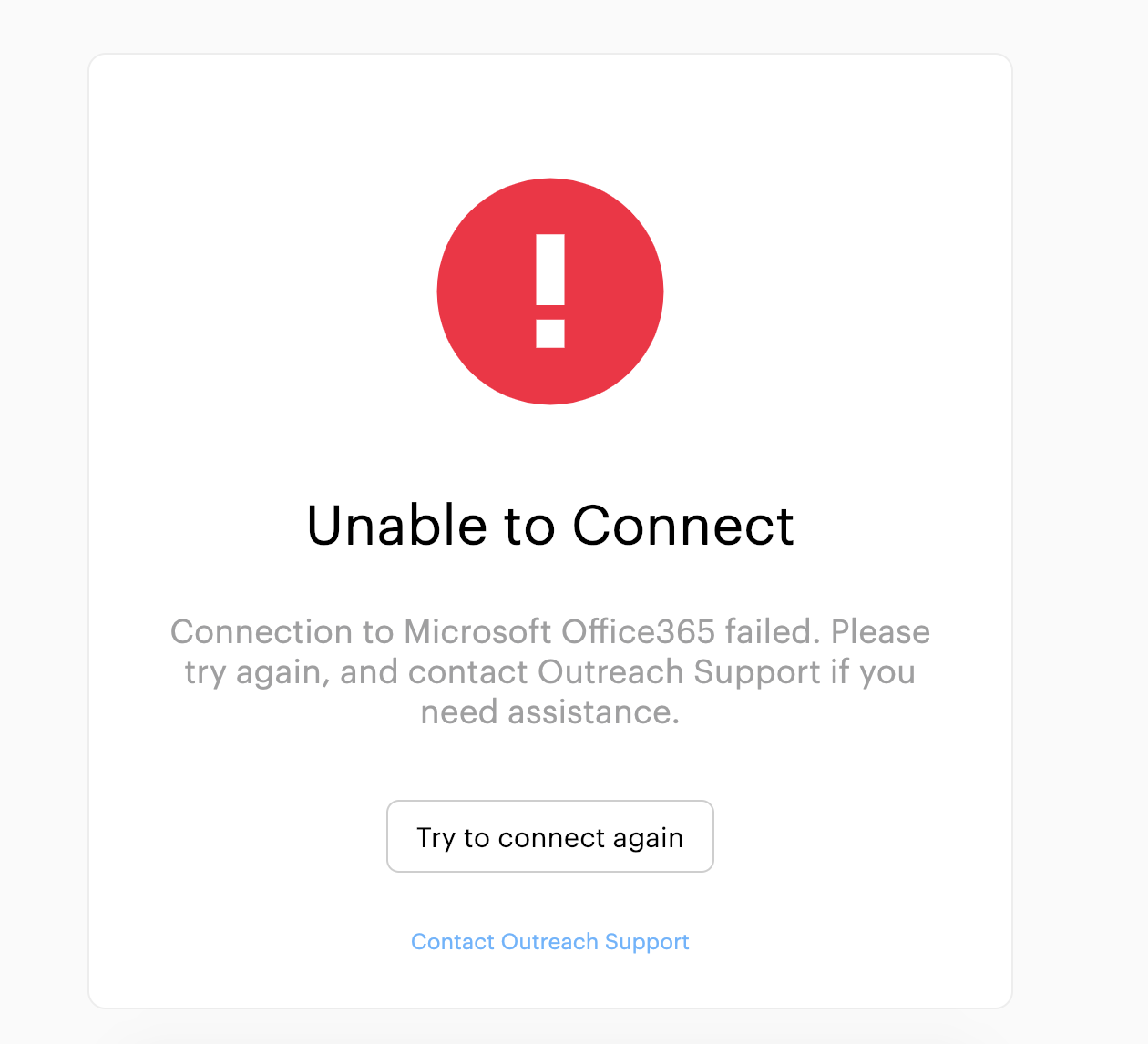
- If the connection was not successful, users will see the following:
- Once you’ve successfully connected, individuals with an Outreach license will be able to connect their Office365 mail accounts to their Outreach account.
Additional Resources:


Was this article helpful?
That’s Great!
Thank you for your feedback
Sorry! We couldn't be helpful
Thank you for your feedback
Feedback sent
We appreciate your effort and will try to fix the article