Symptom
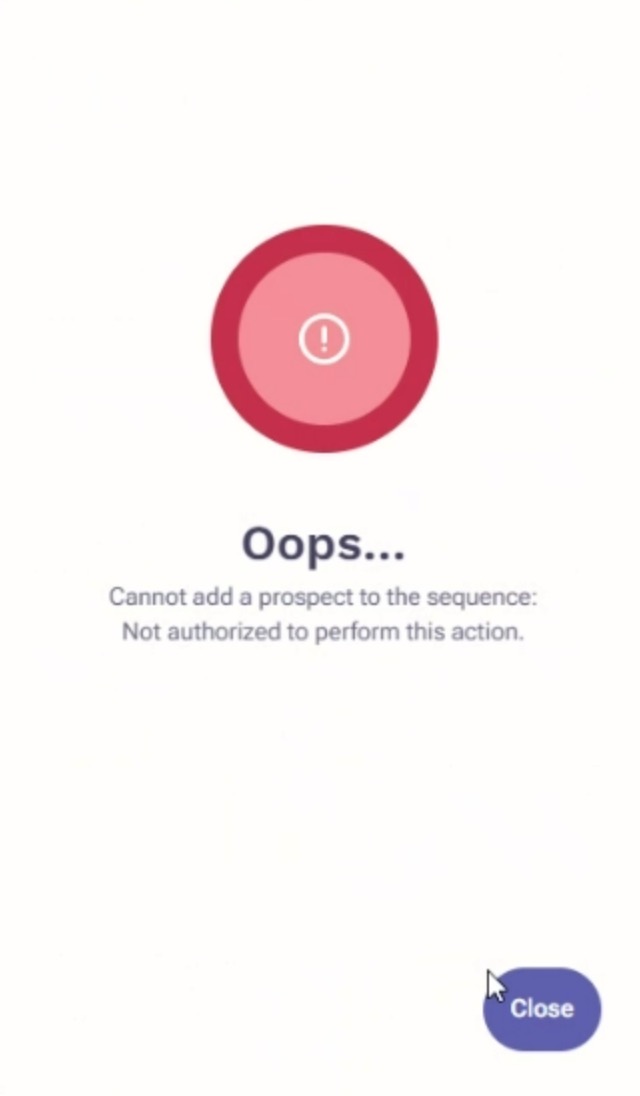
You are adding your prospect(s) to a sequence, but you see an error: Oops... Cannot add a prospect to the sequence: Not authorized to perform this action.
Applies To
-
User's assigned governance profile and permissions
-
Adding prospects to sequences
Resolution
Users
- Log in to Outreach.
- Click Prospects.
- Verify that the prospect(s) you are adding to a sequence is either owned by you, or you have permission to contact that prospect.
If you do not have permission to contact the prospect, contact your admin and have them follow the guidance below.
Admin
- Log in to Outreach.
- Click Administration.
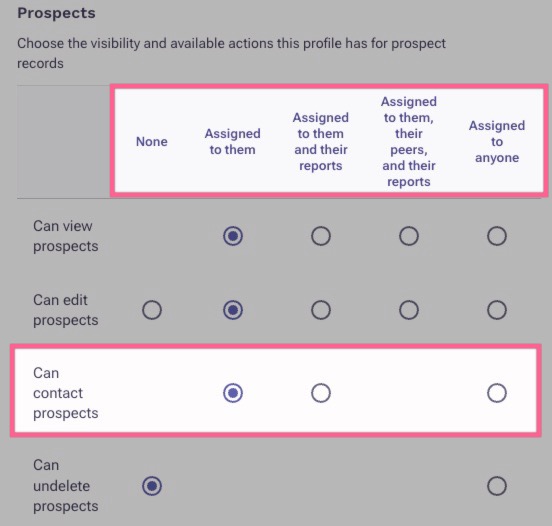
- Confirm the affected user has the proper governance role assigned to contact prospects.
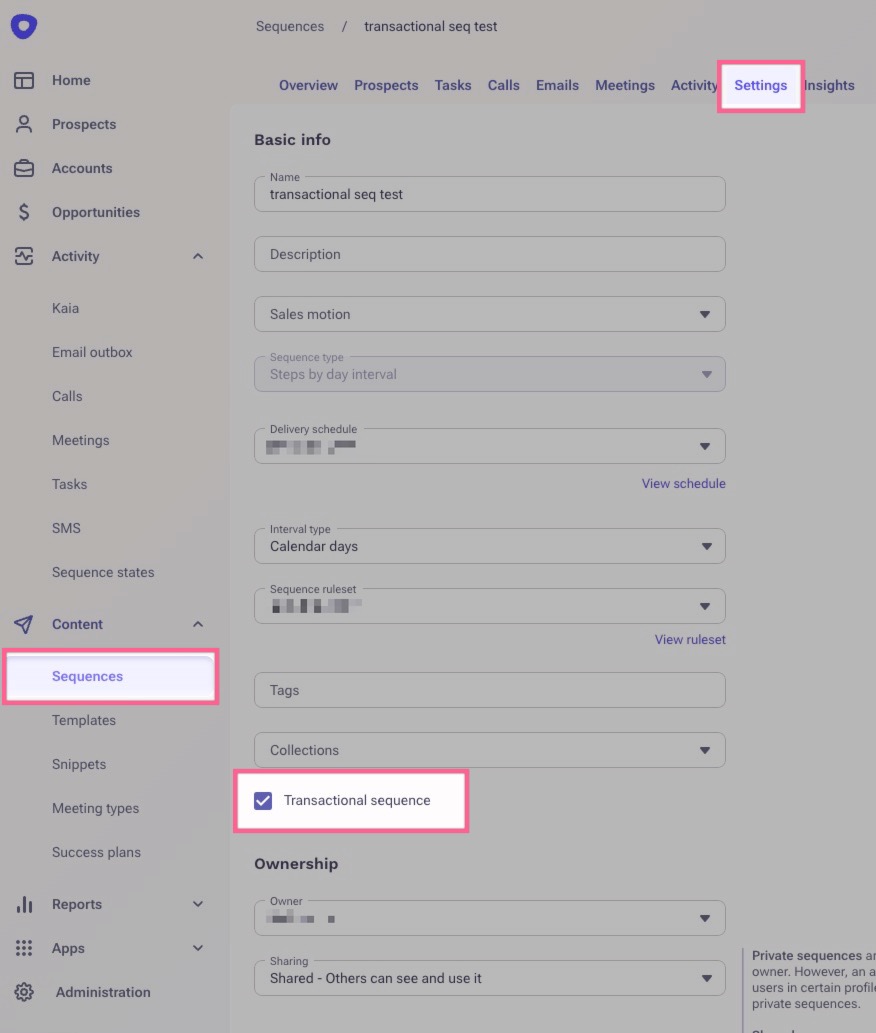
- Check the sequence that you're adding them to and see if it is a transactional sequence. You can check this by going to the sequence settings page.
Cause
Your governance profile is assigned to you and managed by your Outreach admins. You do not have the appropriate permissions to either contact that prospect, or to be able to add them to and use a transactional sequence. If you have questions about how your profile is set up, or you need it updated, please reach out to your admins.
Additional Information
Outreach Governance Profile Settings Overview
How To Assign Outreach Users Governance Profiles
Was this article helpful?
That’s Great!
Thank you for your feedback
Sorry! We couldn't be helpful
Thank you for your feedback
Feedback sent
We appreciate your effort and will try to fix the article