Objective
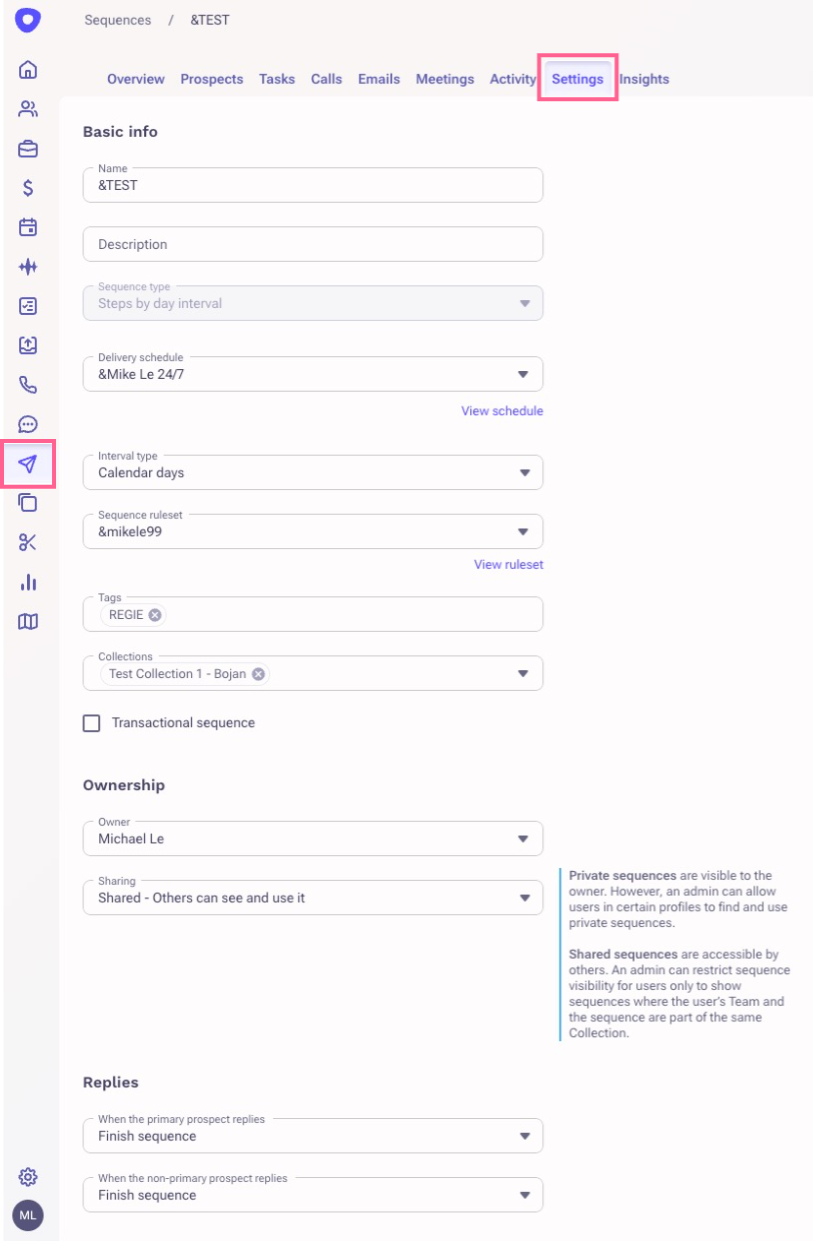
The sequence settings page allows you to view how a sequence is configured with prospect throttling, delivery schedule and times, and the ruleset that is being used on the sequence. This article will show you how to check and view the Sequence Settings page.
Applies To
- Sequences
Procedure
- Click on the Sequences from the left menu bar
- Click the desired sequence
- Click on the Sequence settings Tab
Additional Information
Was this article helpful?
That’s Great!
Thank you for your feedback
Sorry! We couldn't be helpful
Thank you for your feedback
Feedback sent
We appreciate your effort and will try to fix the article