Applies To
Sequences
Tasks
Answer
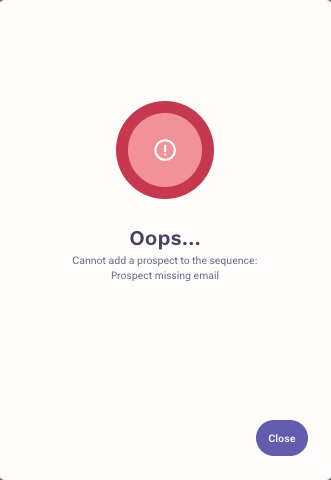
If a prospect without an email address is added to a sequence with email steps, an error will occur: "Cannot add prospect to the sequence. Prospect missing email".
However, these prospects can be successfully added to sequences that contain only call and generic tasks!
What if the prospect was sequenced with an email address originally and then the email was removed from their record? If the email step was an automatic email step, the prospect will fail in the sequence. If the step of the sequence was manual email step, the task for this manual email will be deleted and the prospect will then fail in the sequence. The prospect can be manually moved forward in the sequence by skipping over the email step still continue through the sequence if the other steps are non-email steps. 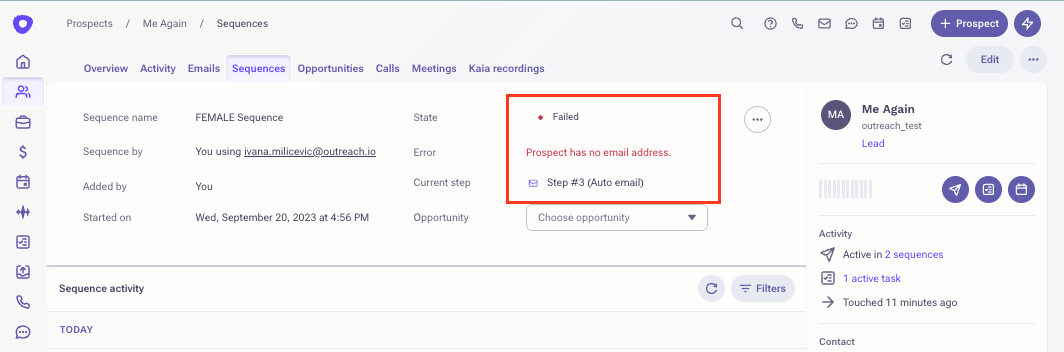
Was this article helpful?
That’s Great!
Thank you for your feedback
Sorry! We couldn't be helpful
Thank you for your feedback
Feedback sent
We appreciate your effort and will try to fix the article