Purpose:
The purpose of this article is to provide information to Outreach users regarding the Microsoft Dynamics plugin in Outreach.
After the Outreach plugin has been connected to Outreach, the Dynamics Plugin becomes active within the Plugins landing page.
Accessing the plugin provides access to several features and functions to assist in mapping, syncing, and management operations.
For more information on accessing the Dynamics Plugin, refer to the How to Access CRM Plugin Settings in Outreach article.
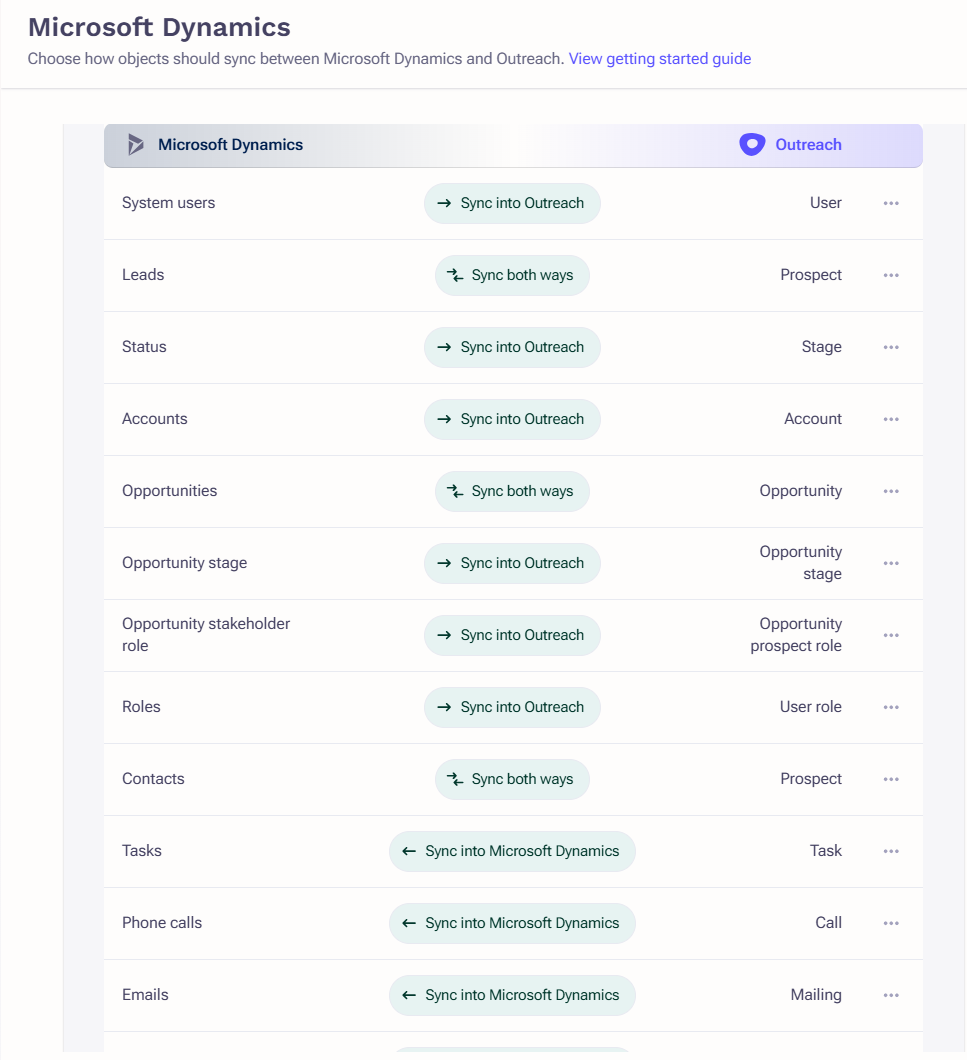
Types
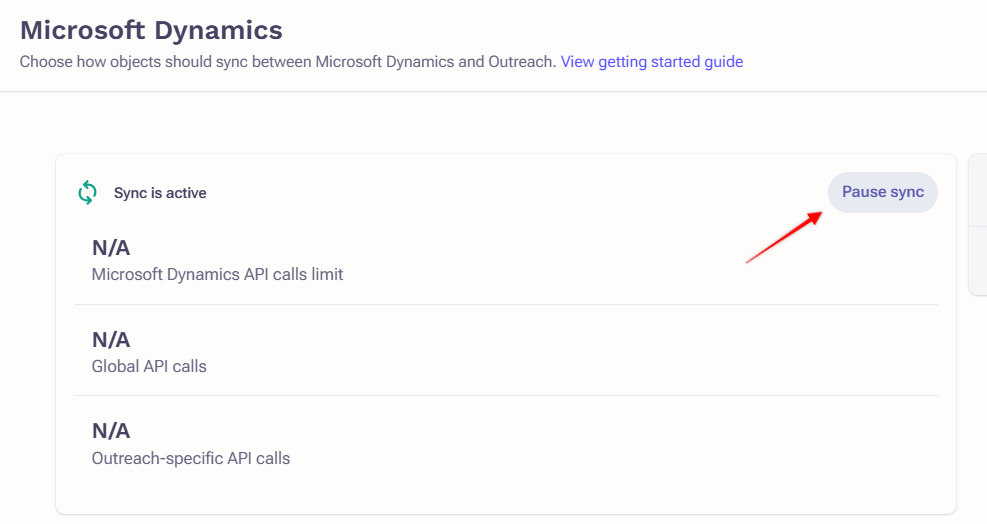
Pause and Resume the Sync
To pause and resume the sync, simply toggle between the two using the button appearing on top of the API calls limit.
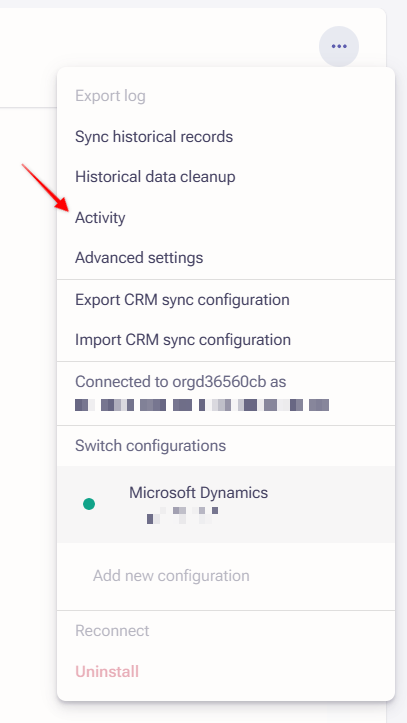
Activity
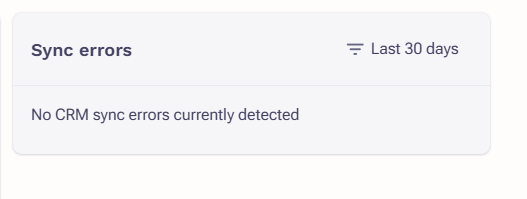
Logs
Was this article helpful?
That’s Great!
Thank you for your feedback
Sorry! We couldn't be helpful
Thank you for your feedback
Feedback sent
We appreciate your effort and will try to fix the article