Purpose
The purpose of this article is to provide direction to internal and external developers using the new developer's experience labeled “Your Apps” in Outreach. This new experience offers developers self-serve access for registering custom apps that surface in various places of the Outreach platform.
Intended Audience
- Customer Product & Engineering Teams
- 3rd Party Partner Developers
- Outreach Admins
Procedure
The experience allows for registering custom apps that surface in various places of the Outreach platform providing useful functionality to end-users. It serves both internal Outreach development teams building extensions, customers looking to extend their own solutions into Outreach, and third-party partners looking to integrate with Outreach.
- Log into Outreach as an admin.
- Click Integrations.
- Navigate to Your apps.
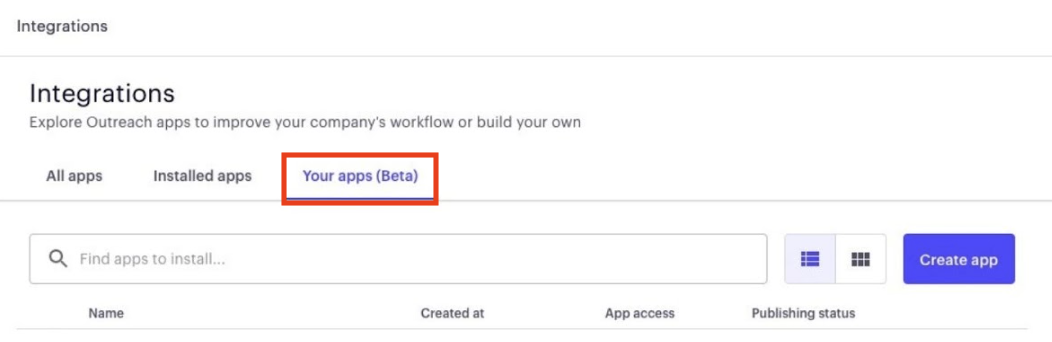
For app developers Outreach offers the following tools:
- Outreach Developer Portal - lets you create and manage Outreach applications.
- Outreach Extensibility SDK - lets your extension access a subset of Outreach data.
- Outreach REST API - lets you programmatically manipulate Outreach data in your organization.
For all documentation on the developer's experience, APIs, and Extensibility SDK, visit here.
Was this article helpful?
That’s Great!
Thank you for your feedback
Sorry! We couldn't be helpful
Thank you for your feedback
Feedback sent
We appreciate your effort and will try to fix the article