|
⚠️ INTERNAL USE ONLY ⚠️ The contents of this page are for internal company use only. Do not distribute or share. |
Objective
How to verify a phone number with the Twilio console.
Applies To
- Users unable to verify their imported phone number within Outreach
- Outreach Agents
Procedure
- Open the Twilio console
- Enter the Twilio account SID
- Go to Phone Numbers > Manage
- Go to Verified Caller ID
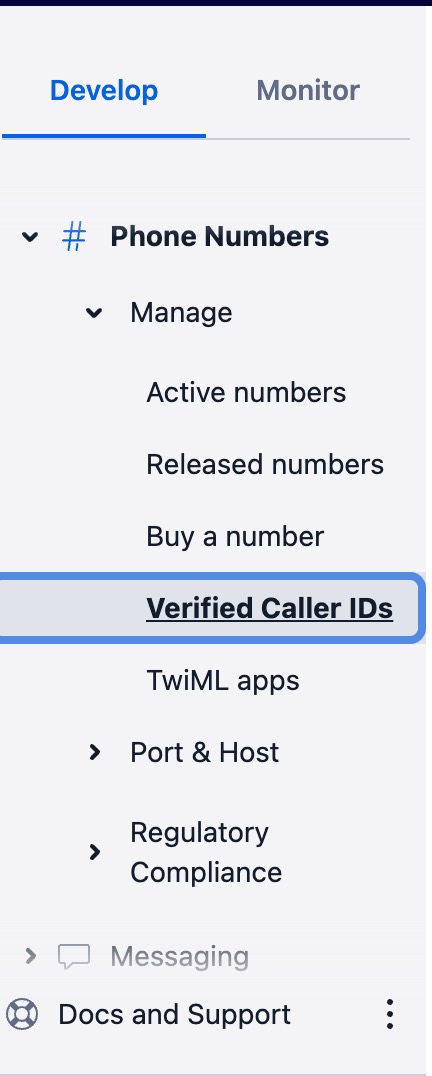
- Click on the button Add a new Caller ID
- Enter the number the user is attempting to verify
- Send verification code to the user
- Enter the verification code (you will need to get this from the user)
Was this article helpful?
That’s Great!
Thank you for your feedback
Sorry! We couldn't be helpful
Thank you for your feedback
Feedback sent
We appreciate your effort and will try to fix the article