Applies To
-
Customers that have the Auto Skip Task SKU enabled.
-
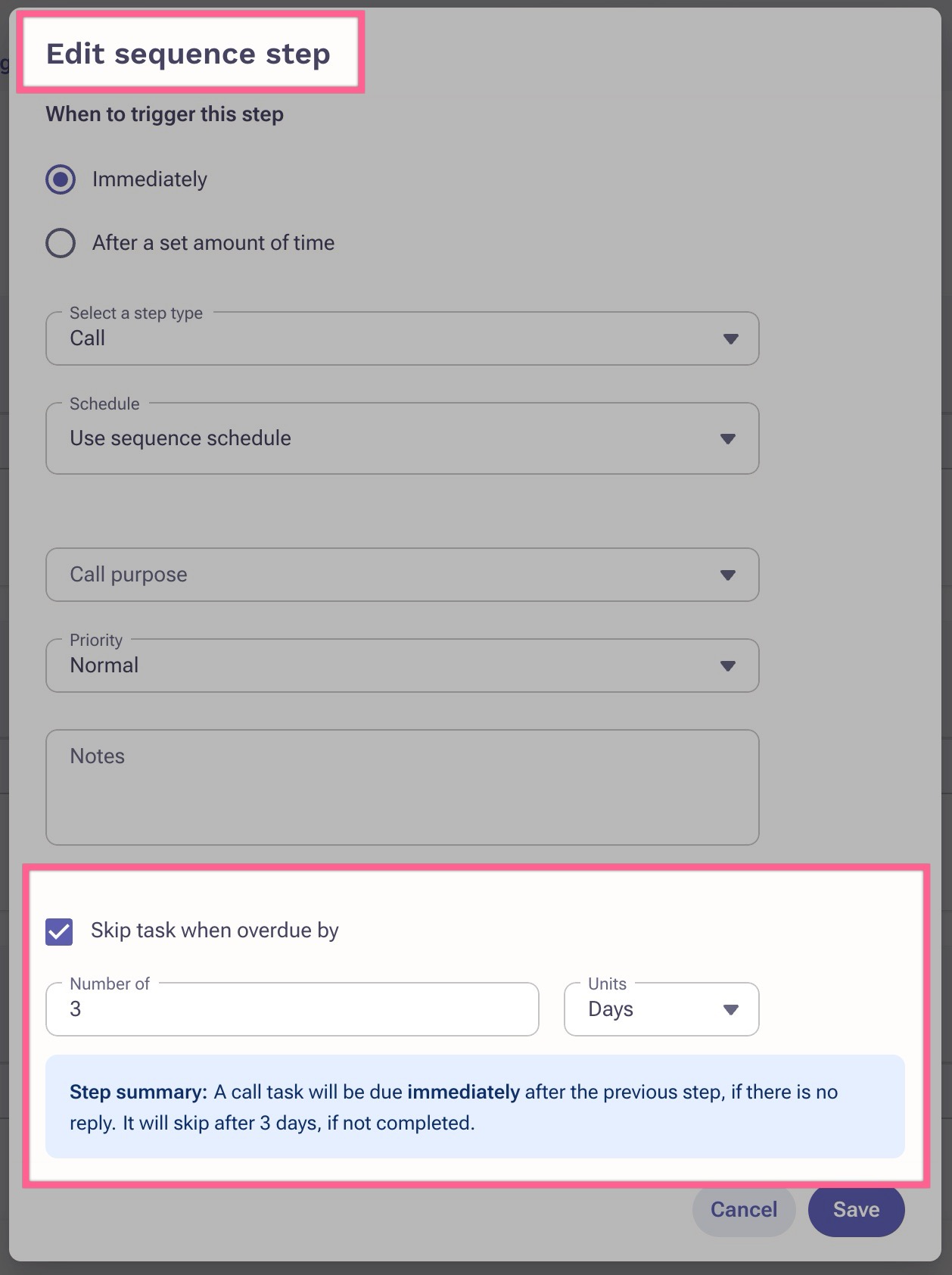
Tasks that are created from a Sequence step and configured with the 'Skip task when overdue by' setting.
Answer
The auto skip setting will only respect the initial due date of that sequence task. If you reschedule that due task to a future due date, the auto skip feature will not update and respect the new rescheduled date, and will only reference the initial due date. This means if you reschedule your task, the system may still auto skip that task depending on what that initial due date was.
Additional Information
Was this article helpful?
That’s Great!
Thank you for your feedback
Sorry! We couldn't be helpful
Thank you for your feedback
Feedback sent
We appreciate your effort and will try to fix the article