Applies To
Prospect list view search and filters
Trigger conditions
- Bulk create import field mappings
Answer
By default, on the backend, whenever a prospect is created in Outreach, an unnamed accounted is created and linked to the prospect if no real account is linked or associated to it. As a result, the prospect will always be linked to an unnamed account and that account won’t visible in UI.
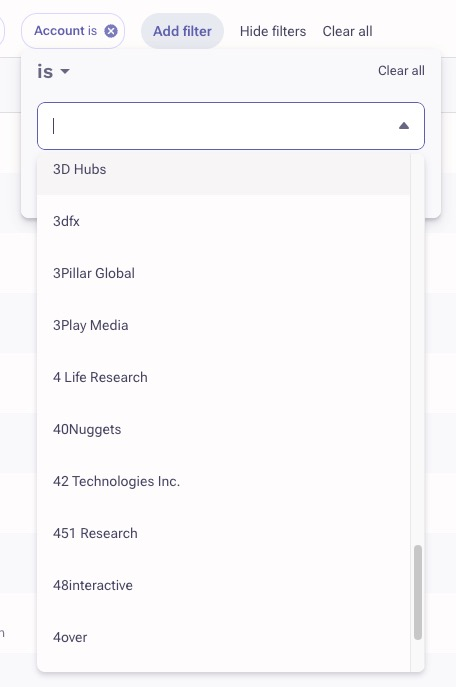
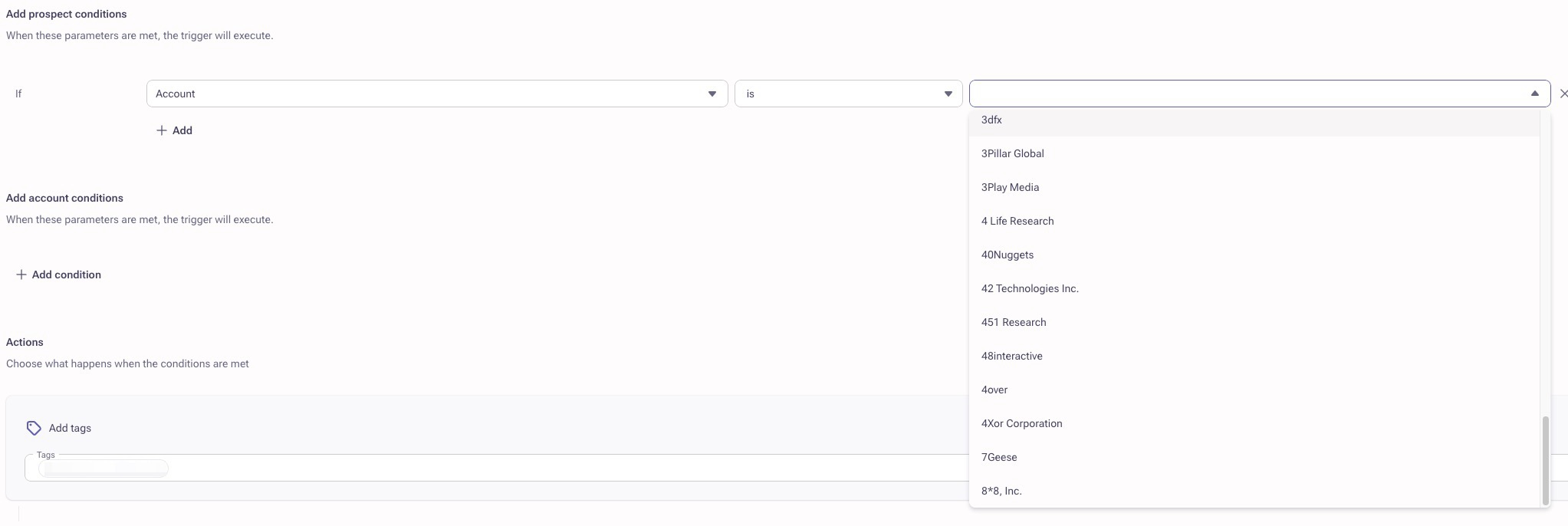
Account: This is a reference field that will reference all accounts in the system. When using this as a filter or trigger condition, values of all accounts will automatically display and be available to choose from. We recommend using this when you want to (or don't want to) include and reference specific accounts in the system.
Account name: This is a text field. You must manually type in the name of the account, as opposed to being able to search and click the account from a dropdown like the 'Account' field above.

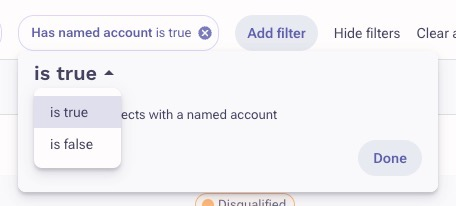
Has named account: This should be used when you're simply wanting to know if a record is associated or not associated to an account. This is a true/false value field, so it's best when used to simply want to filter by, or add a trigger condition for if a record is or is not tied to a real account.

Additional Information
Filter & Sequence Prospects by Accounts
How To Create an Outreach Trigger
Best Practices for Outreach Triggers
What trigger condition should I use for prospects that are or are not associated to an account?
Was this article helpful?
That’s Great!
Thank you for your feedback
Sorry! We couldn't be helpful
Thank you for your feedback
Feedback sent
We appreciate your effort and will try to fix the article