Objective
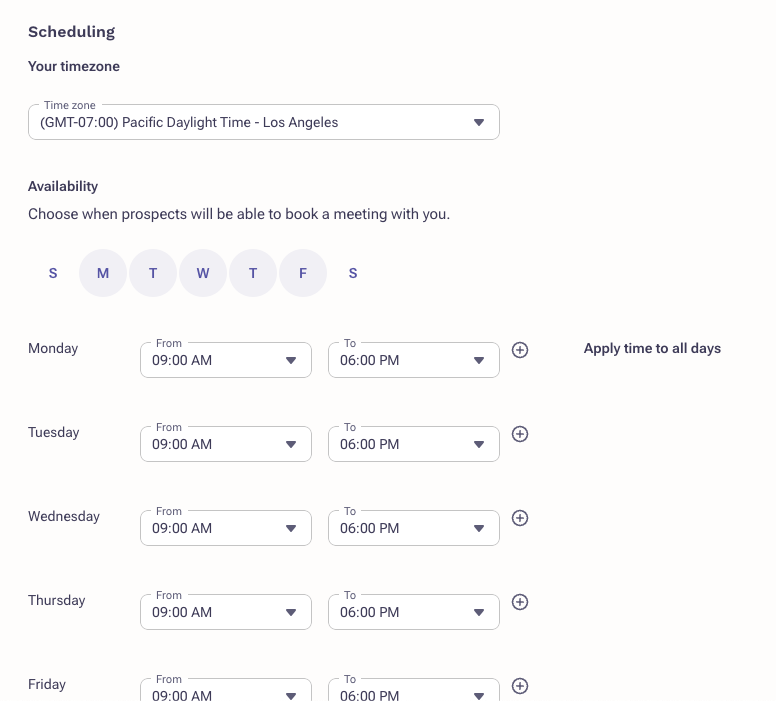
Create open windows of availability for prospects to book meetings and Outreach users to book meetings on your behalf.
Applies To
- Users
Procedure
- Log in to Outreach.
- Click Personal Settings.
- Navigate to Calendar scheduling.
- Adjust your schedule as needed.
- Click Save.
Was this article helpful?
That’s Great!
Thank you for your feedback
Sorry! We couldn't be helpful
Thank you for your feedback
Feedback sent
We appreciate your effort and will try to fix the article