Objective
Enable the Sendoso extension in Outreach as an Admin.
With Sendoso, you can create an interactive experience for your prospect by sending them gifts, swag, and handwritten notes, adding a unique and memorable component to your sequences. Any sales rep or account executive can now find direct mail sequence steps right within Outreach to add in at any point in the sales cycle. With a Sendoso-powered sequence, you can take your prospecting offline by sending physical mail to make your calls and emails stand out from other companies reaching out to them.
Applies To
- Outreach Admins
Procedure
- Log into Outreach as an Admin.
- In another browser tab, log in to Sendoso.
- In Sendoso, in the left menu bar, click Integrations (or click here to go directly to the Integrations page).
- Click the Outreach integration tile.

- Click Install Outreach.io app (via Chrome).
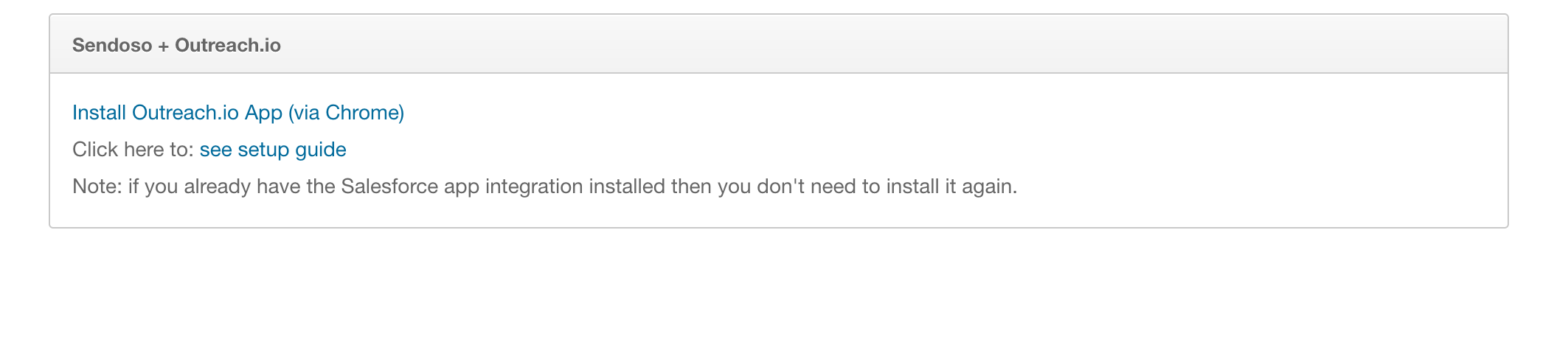
- Install the Sendoso Chrome browser extension.
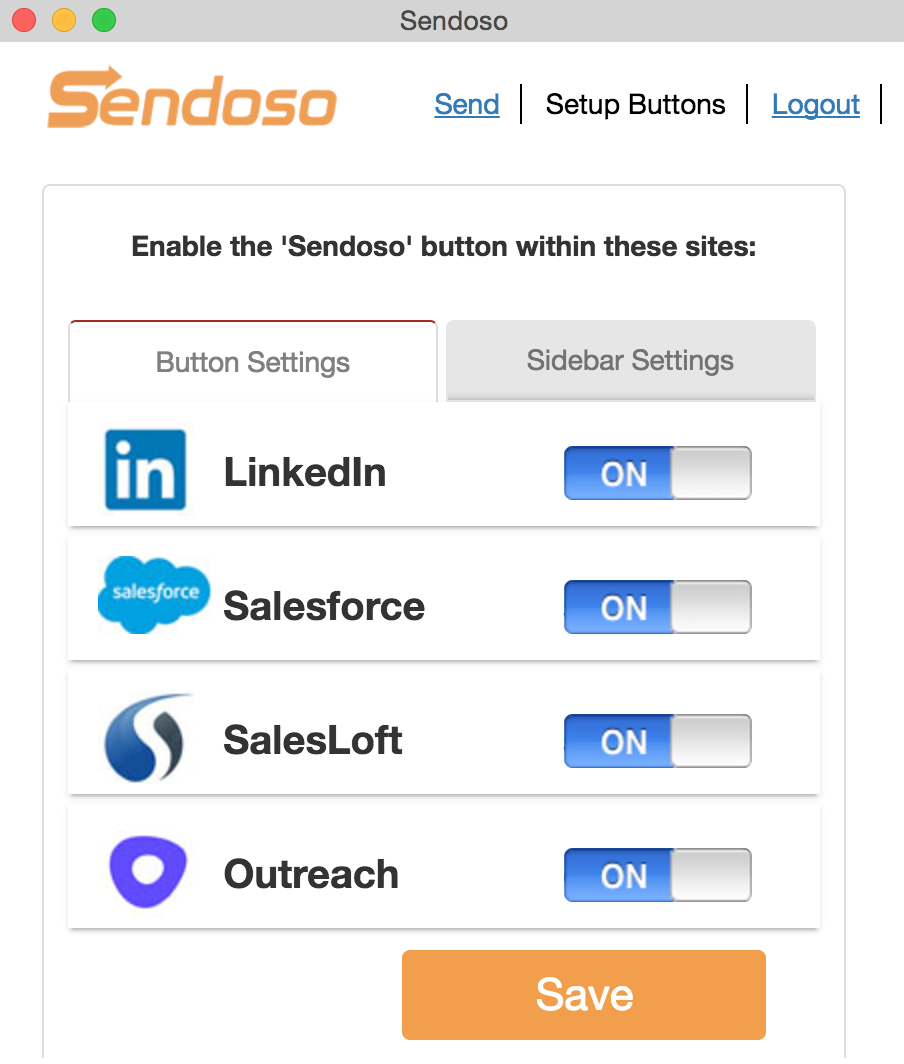
- Click on the Sendoso S icon in the upper right to open the extension options.
- Ensure Outreach is toggled On to ensure Sendoso is active in Outreach.
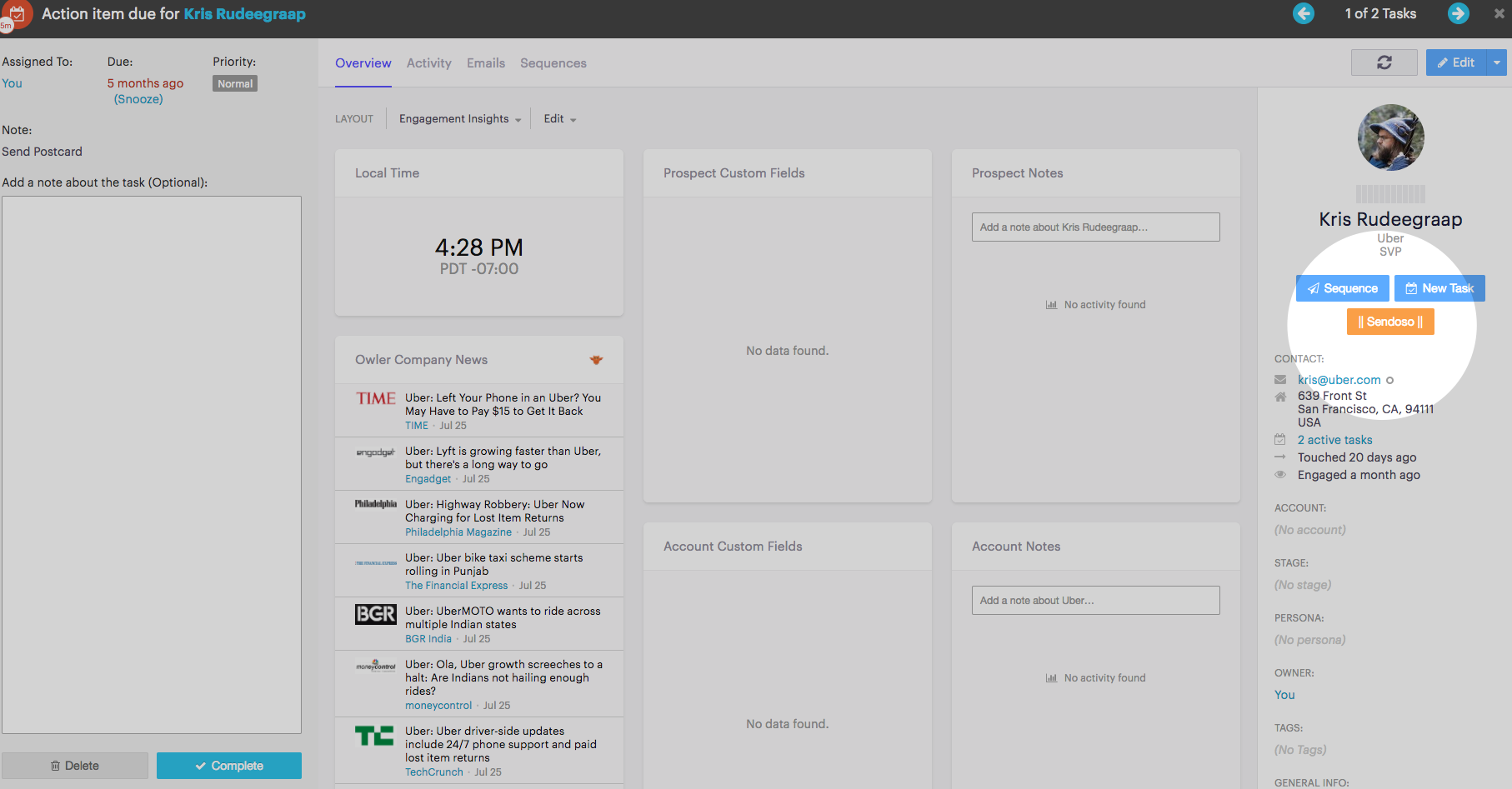
- In Outreach, refresh the tab/window to see the Sendoso buttons. (If they don't appear, close and re-open your browser).
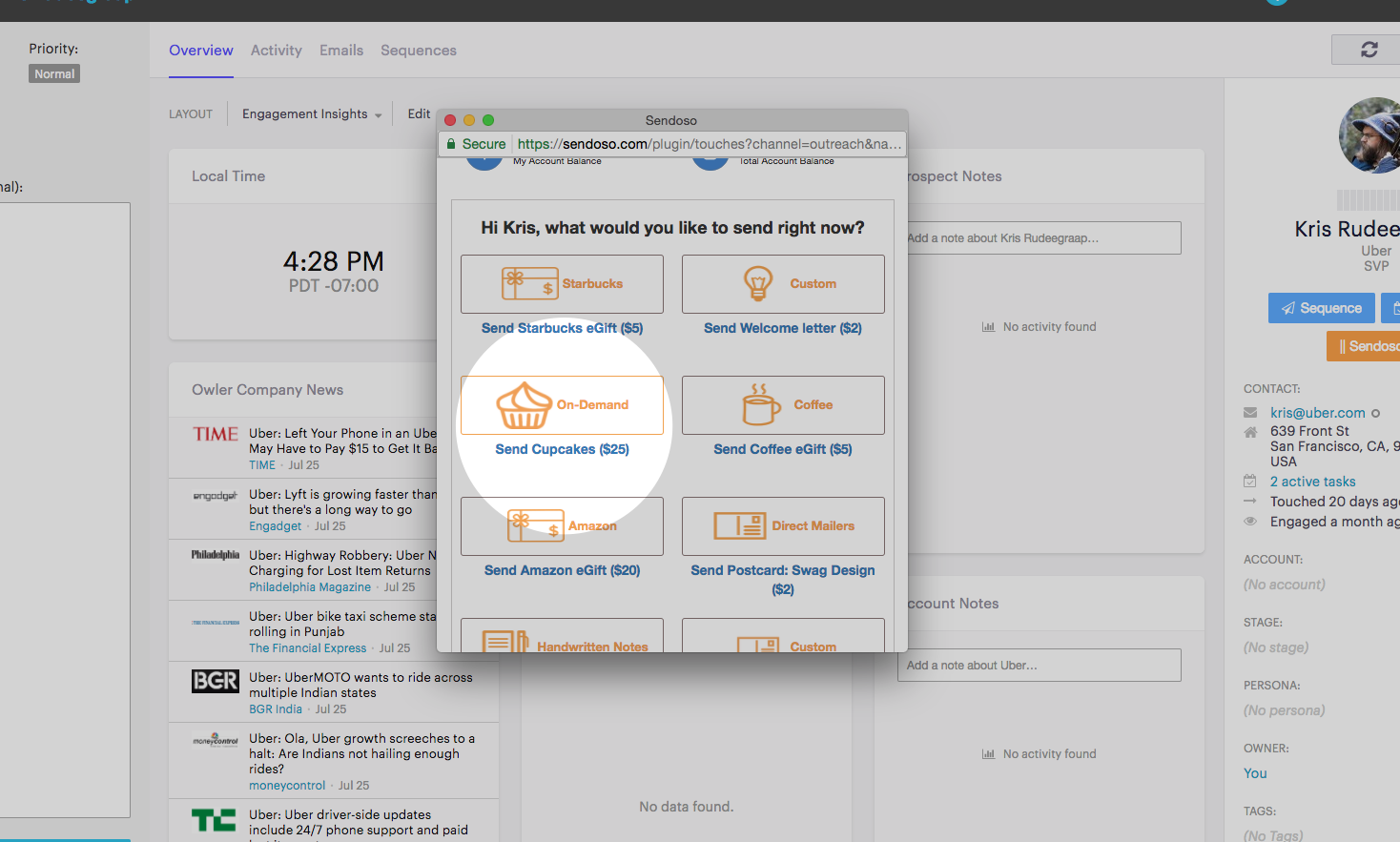
BONUS: If you setup the Salesforce integration then when you send out of Outreach it will log Activities and tag to Salesforce Campaigns automatically!
Was this article helpful?
That’s Great!
Thank you for your feedback
Sorry! We couldn't be helpful
Thank you for your feedback
Feedback sent
We appreciate your effort and will try to fix the article