Objective
The purpose of this article is to provide direction to Outreach users in deleting sequences from Outreach.
Removing a sequence via deletion is not the same as archiving, which simply removes sequences from the Sequence Overview page. While archived sequences can be restored, deleted sequences cannot be recovered.
Applies To
- Outreach Users
Note
- Deleting a sequence removes it from Outreach entirely -- deleted sequences cannot be undone or recovered. For this reason, it is strongly advised you consider archiving sequences instead.
- Deleting a sequence does not affect the analytics associated with the content.
Procedure
- Access the Outreach Platform.
- Click the Sequence icon (paper plane) in the navigation sidebar.
- On the Sequence List View page, click More Options to the right of the applicable sequence.
- Select Delete from the dropdown menu.
- Review and consider the Delete Sequence confirmation popup.
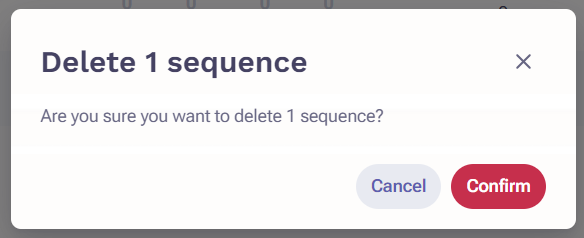
- When ready, click Confirm.
The applicable sequence is permanently removed from the Outreach Platform.
Additional Information
How to Archive and Unarchive Sequences
Was this article helpful?
That’s Great!
Thank you for your feedback
Sorry! We couldn't be helpful
Thank you for your feedback
Feedback sent
We appreciate your effort and will try to fix the article