Symptom
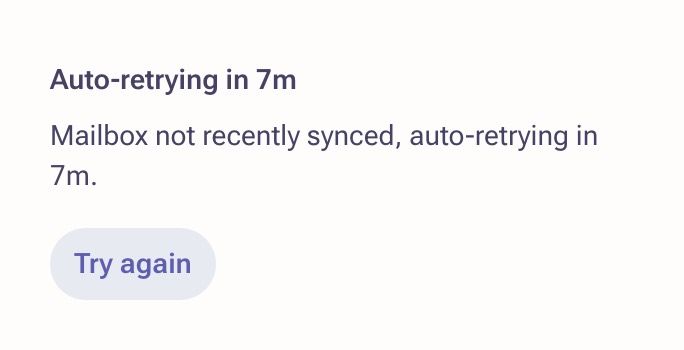
Your emails are failing with the error Mailbox not recently synced.
Applies To
Mailings
- All users
Resolution
- Hover over your initials at the bottom of the left-hand navigation menu and click Personal Settings.
- Find and click the affected mailbox.
- Scroll to the bottom of the page and click Show advanced settings.
-
Under the header Send Settings, uncheck the box labeled Require mailbox to be recently synced before sending.
- Click Save in the bottom right.
- Go back to your Outbox and try the mailings that failed to send.

Cause
This occurs when your mailbox hasn't been recently synced with Outreach. You'll also want to confirm your mailbox is currently syncing with Outreach in the same mailbox settings page. If not, you'll want to enable syncing or reconnect your mailbox and try syncing again. Please refer to our guide on How to Reconnect and Remove mailboxes & Calendars for more details.
Was this article helpful?
That’s Great!
Thank you for your feedback
Sorry! We couldn't be helpful
Thank you for your feedback
Feedback sent
We appreciate your effort and will try to fix the article