Symptom
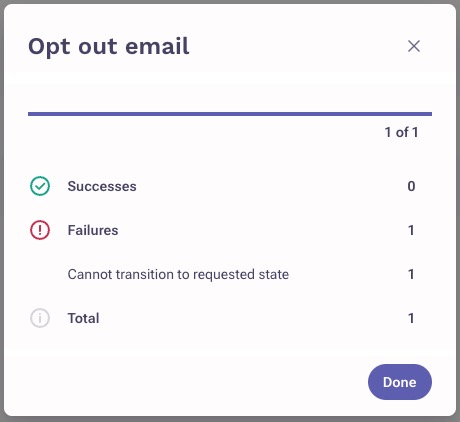
When opting out some prospects from the Outbox page, you're seeing a failure message: Cannot transition to requested state.
Applies To
-
Opting out from the Outbox page
-
All non-delivered mailings
Resolution
The Opt out feature on the Outbox page only works for successfully delivered mailings. It can only be used with messages that have actually been delivered to a prospect.

Cause
You cannot use the Opt out feature for non-delivered mailings: drafted, scheduled, failed, bounced. Since those messages were never delivered to a prospect, the feature won't work for those.
Was this article helpful?
That’s Great!
Thank you for your feedback
Sorry! We couldn't be helpful
Thank you for your feedback
Feedback sent
We appreciate your effort and will try to fix the article