Symptom
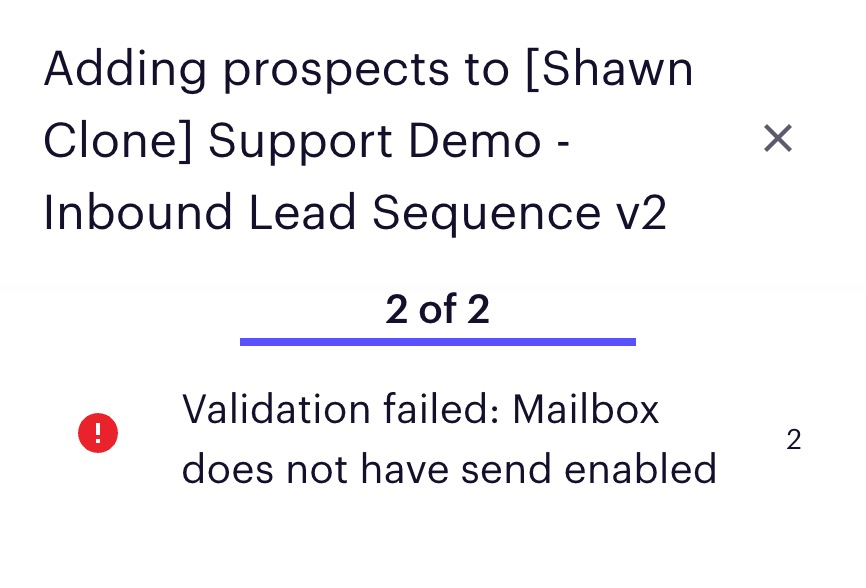
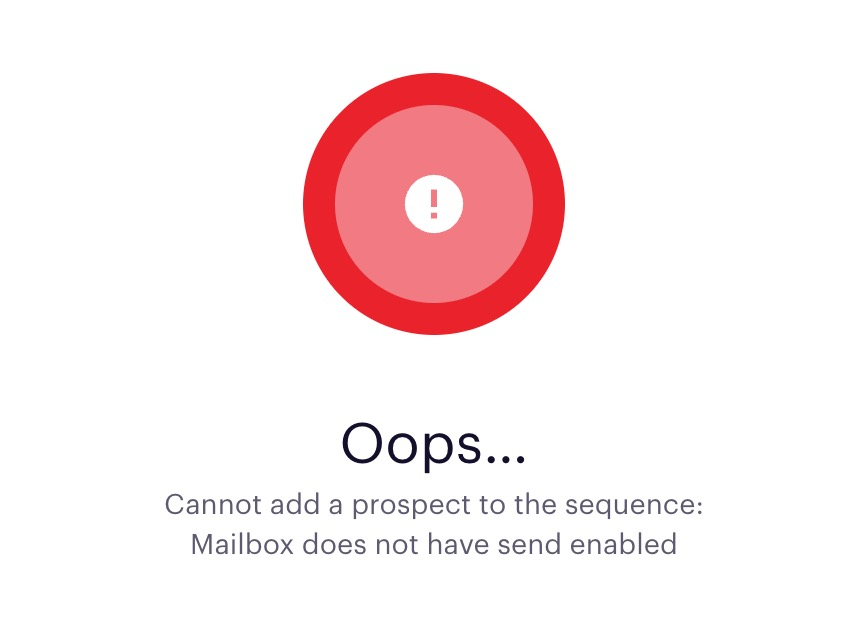
Adding prospects to a sequence results in either error Validation Failed: Mailbox does not have send enabled or Oops...Cannot add prospect to the sequence: Mailbox does not have send enabled.
Applies To
Sequences
Prospects
- All Outreach Users
Resolution
The user will need to follow the below steps:
- Hover over your initials in the bottom left, and click on Personal settings
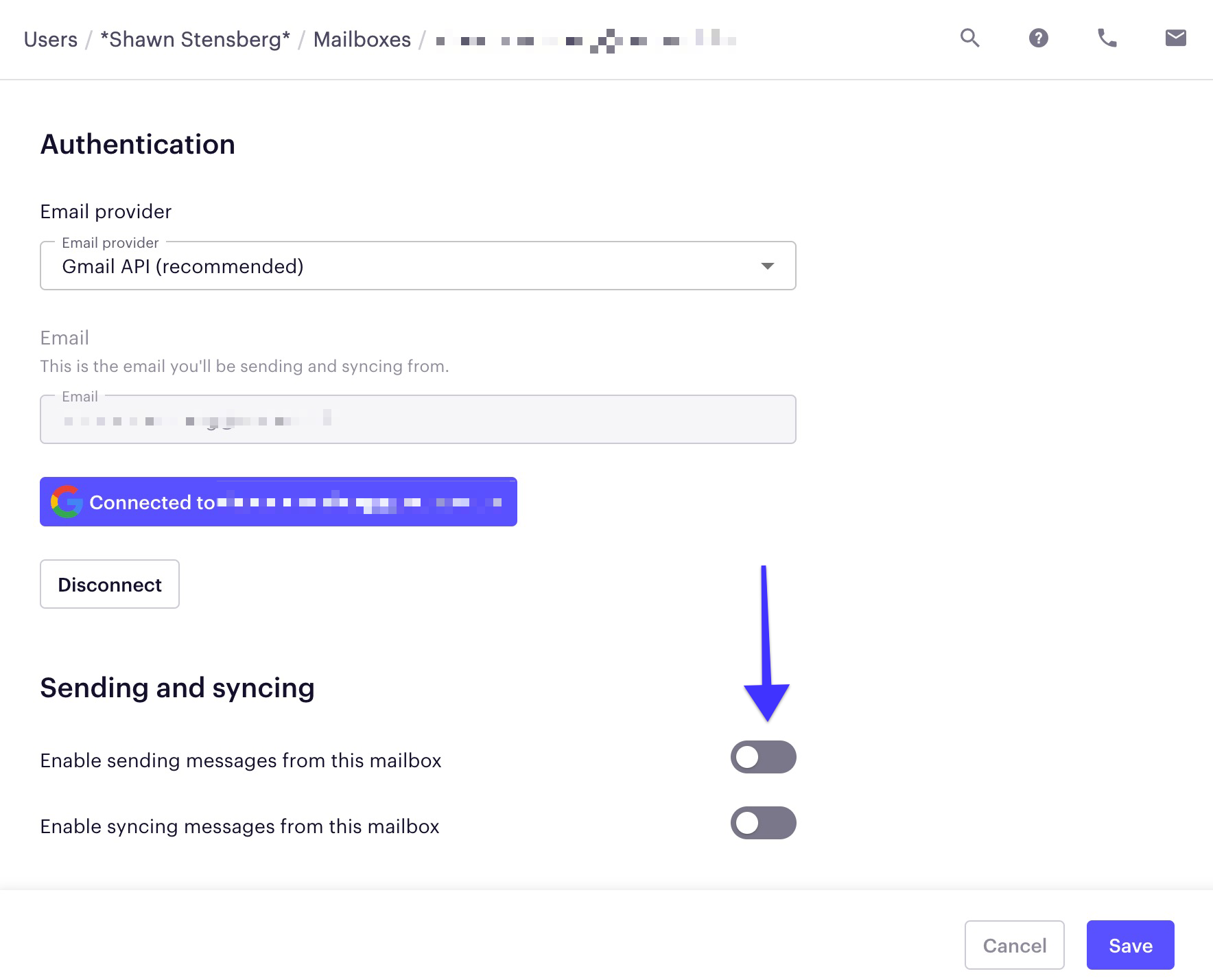
- Click the mailbox under the Mailboxes section
- Enable the send and sync options by clicking the gray pill/toggle icons
- Click the save button
Cause
The mailbox of the sequencer does not have their mailbox set up to send from Outreach.
Was this article helpful?
That’s Great!
Thank you for your feedback
Sorry! We couldn't be helpful
Thank you for your feedback
Feedback sent
We appreciate your effort and will try to fix the article