Objective
How to clone a sequence in Outreach.
Applies To
- Outreach Users with the necessary permissions
- Sequences
Procedure
- Access the Outreach Platform.
- Click Content > Sequences.
- Find the sequence you want to clone.
- To the right of the sequence, click More actions.
- Click Clone.
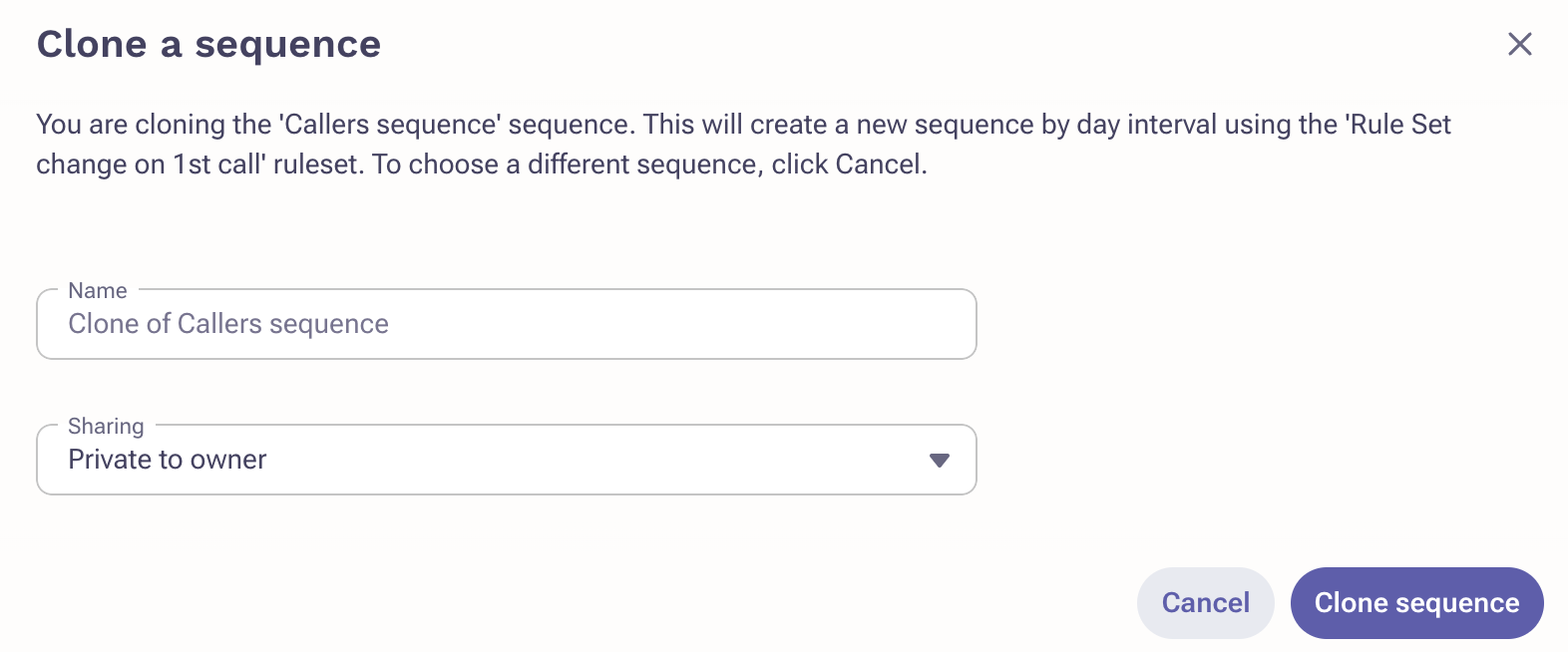
- Enter a name and sharing permissions.
- Click Clone Sequence.
Was this article helpful?
That’s Great!
Thank you for your feedback
Sorry! We couldn't be helpful
Thank you for your feedback
Feedback sent
We appreciate your effort and will try to fix the article