Symptom
The option to edit the sequence schedule is missing from the sequence settings.
Applies To
- Outreach Users
Cause
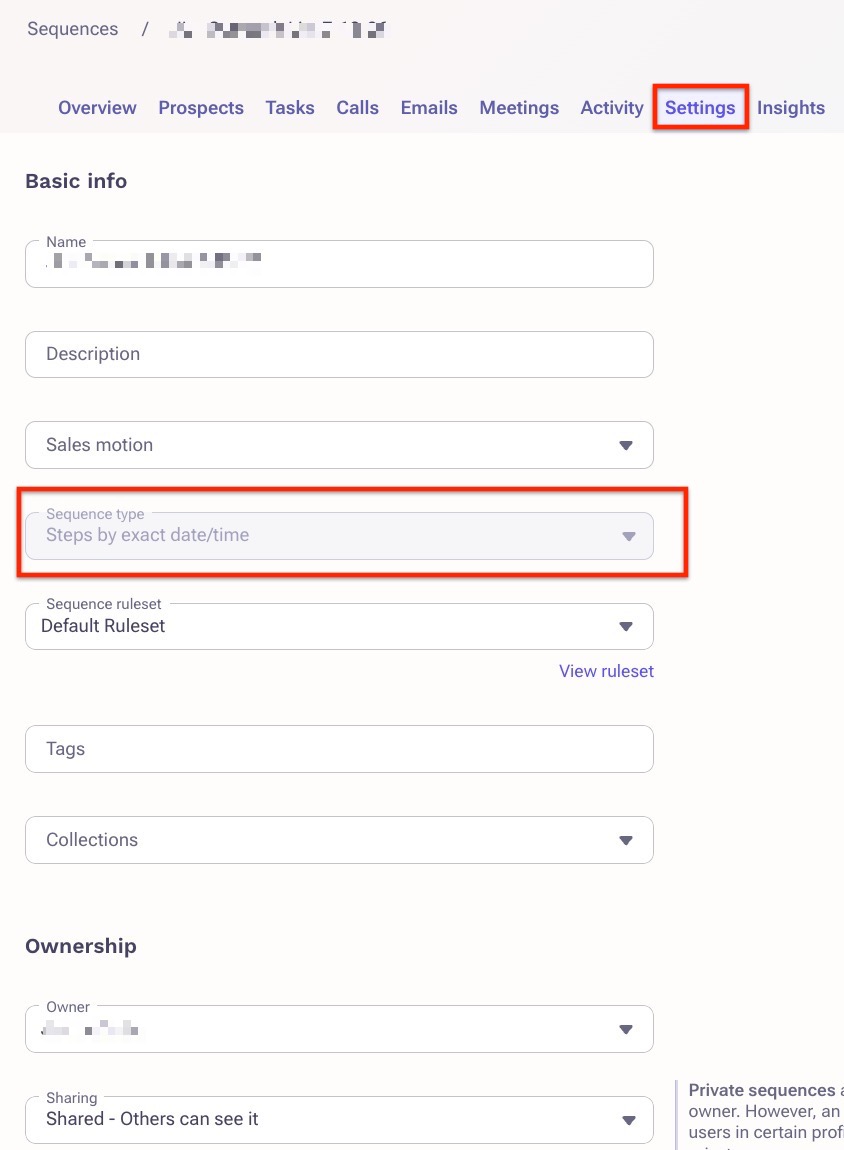
Only a Steps by day interval sequence can have a schedule added or edited at the sequence level. A Steps by exact date/time sequence follows the schedule applied to its individual sequence steps, so the sequence schedule option is not available in the sequence settings. The Sequence type field is greyed out and cannot be changed once the sequence is created.
Resolution
If the sequence is a Steps by exact date/time sequence, edit the schedule on the individual sequence steps.
For more information, refer to the How To Edit Outreach Sequence Steps article.
To use a sequence-level schedule, create a Steps by day interval sequence. A sequence type cannot be changed after it is chosen.
For more information, refer to the How To Create an Outreach Sequence article.
Additional Information
Was this article helpful?
That’s Great!
Thank you for your feedback
Sorry! We couldn't be helpful
Thank you for your feedback
Feedback sent
We appreciate your effort and will try to fix the article